
Tickets purchased on the OGC Nice ticketing website are generally available for download approximately 10 days before the match date. Tickets are personalised and must first be completed with the first and last name of the ticket holder in your customer account before being downloaded.
If you have purchased reduced-price tickets, they must be assigned to the eligible beneficiaries. A valid supporting document (ID, disability card or student ID, depending on the reduced rate) will be required at the stadium entrance.
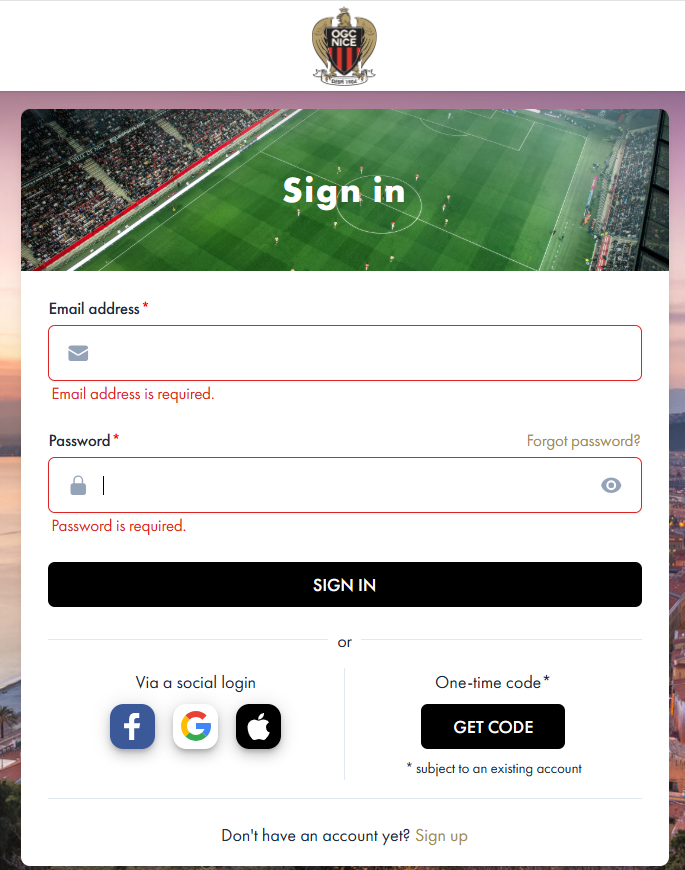
1. Access your ticketing account
Log in to the ticketing account you used to purchase your tickets by clicking here.
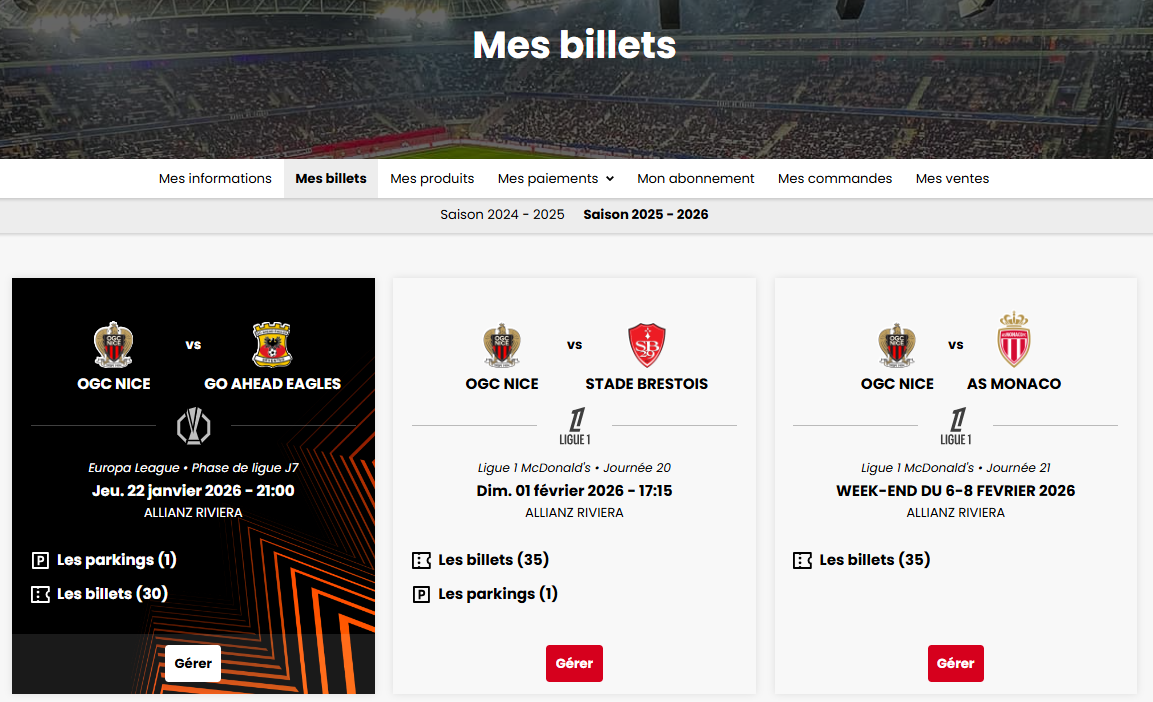
2. Select the relevant match
Choose the match for which you wish to download your ticket(s).
If you have tickets for only one match, it will be displayed automatically.
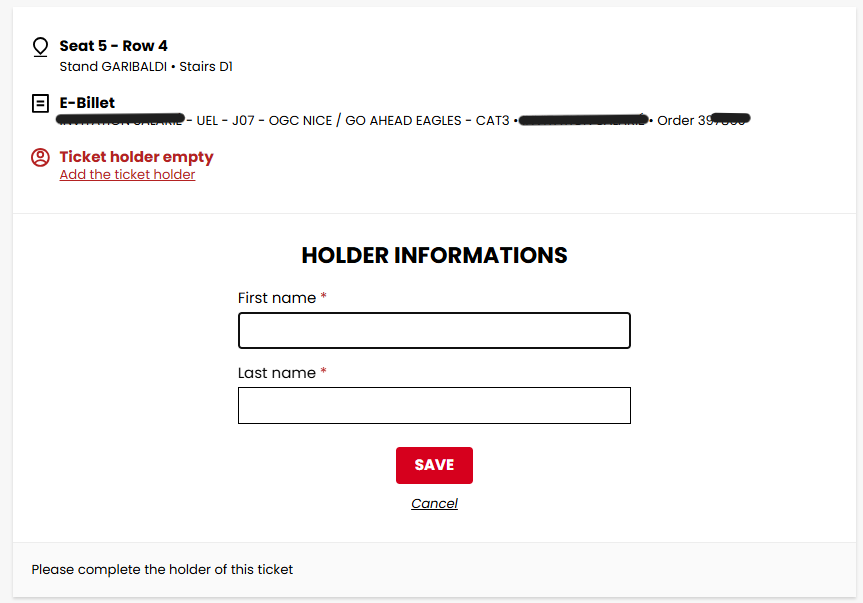
3. Add the ticket holder(s)
Enter the first and last name of each ticket holder on the tickets corresponding to the selected match. This step is mandatory before downloading.
4. Download your tickets
E-ticket: download your PDF ticket by clicking on “Download” or send it by email to the address of your choice by clicking on “Send”.
M-ticket: download your ticket and add it to Apple Wallet or Google Wallet.

An error has occurred
Our platform is currently experiencing a trouble, we apologize for the inconvenience caused and invite you to come back later.